

Let's take Godot for a walk!
2dog embeds Godot inside .NET applications. Use it to build games, apps, and tools for desktop, web, and mobile. It makes build automation simpler, has templates that connect to UI frameworks and web servers, and lets you run automated tests in your IDE.
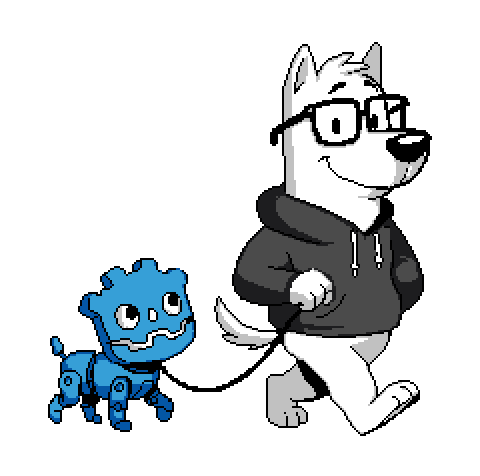 (illustration by Diego Rago - Dogbot and Lucky!)
Who's a good robot?
Things you can do with 2dog may be complex, so we try to make it developer friendly.
From stock Godot to the browser
Install the .NET 10 SDK. Then, in the base directory of your Godot project (for example ~/MyGame), run:
dnx 2dog add --web
dotnet publish MyGame.web
Your app/game and index.html are then in MyGame.web/AppBundle/ - easy!
Upload that folder to itch.io or to your web space. To test it locally, serve it with one of these commands:dnx dotnet-serve -- -d MyGame.web/AppBundle or npx serve MyGame.web/AppBundle
(replace MyGame with the project name from project.godot)
Developing
Just use Godot or your favorite IDE. 2dog builds with MSBuild, which runs on Windows x64, Linux x64, or macOS ARM64.
2dog makes a backup of your .sln file as .sln.old, then upgrades it to the newer .slnx format. You can open the .slnx file in your IDE or editor of choice. Godot understands both solution formats.
The hosts you add appear as projects inside the solution, where you can extend and debug them as normal .NET projects. Use your IDE or the dotnet CLI to build, run, and debug them.
Editing & Importing
Keep editing scenes and scripts in Godot as usual! Continue to use the official Godot 4.7.2 .NET editor to edit scenes and develop your game. Use Project→Export... to make classic Godot builds with the familiar export templates.
2dog hosts import changed resources automatically, so you do not need godot --import. (You can still run it, of course.)
See Hosts for more .NET app types, and Testing with xUnit for tests. (it's awesome!)
Updating & Fixing
The 2dog packages in your project stay at their pinned versions until you update them. Run the latest tool to update them or to check for problems:
dnx 2dog update
dnx 2dog doctor
Squirrel ?!
2dog can do a lot more. For example, it can run unit tests and embed your game in other applications and UIs. It is safest to try this in a completely fresh project, and you know you wanted to start a new game project anyway!
To create a new project from the command line, with its own project.godot, run:
dnx 2dog new NewGame --generic --xunit
cd NewGame
dotnet run --project NewGame.2dog
dotnet test
godot-mono -e . # or open it in the Godot project picker, etc.